























Change Order Management Software for Construction
Request a demo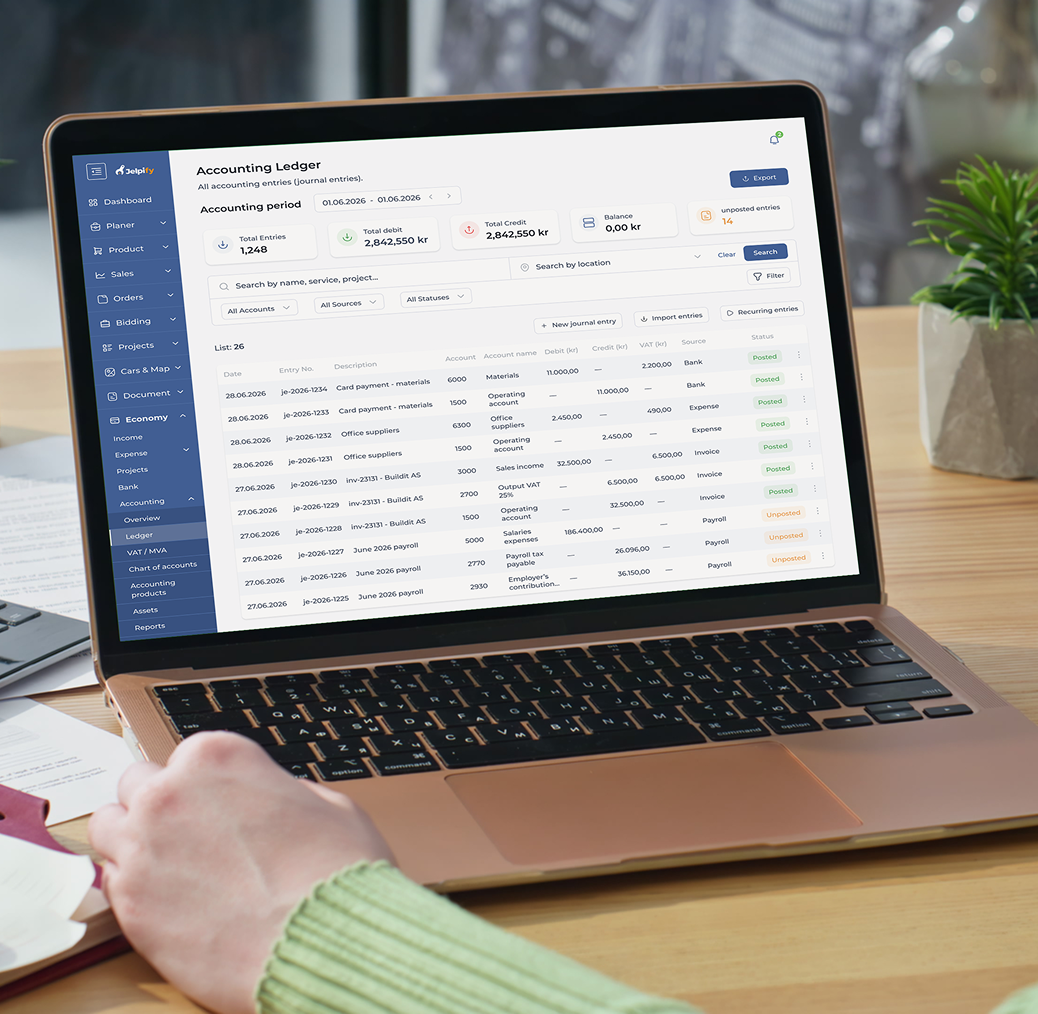
What Is a Construction Change Order?
A construction change order management is a formal update to the original project scope, budget, or schedule. It happens when something shifts — materials, design, timelines, or site conditions.
Manual tracking (emails, spreadsheets) creates delays, missed approvals, and budget surprises. Teams lose visibility fast.
Change order management software replaces this with real-time tracking, clear approval flows, and instant cost updates.
Key capabilities:
- Real-time change order tracking
- Automated approval workflows
- Cost impact visibility
- Centralized documentation
Key Features of Construction Change Order Software
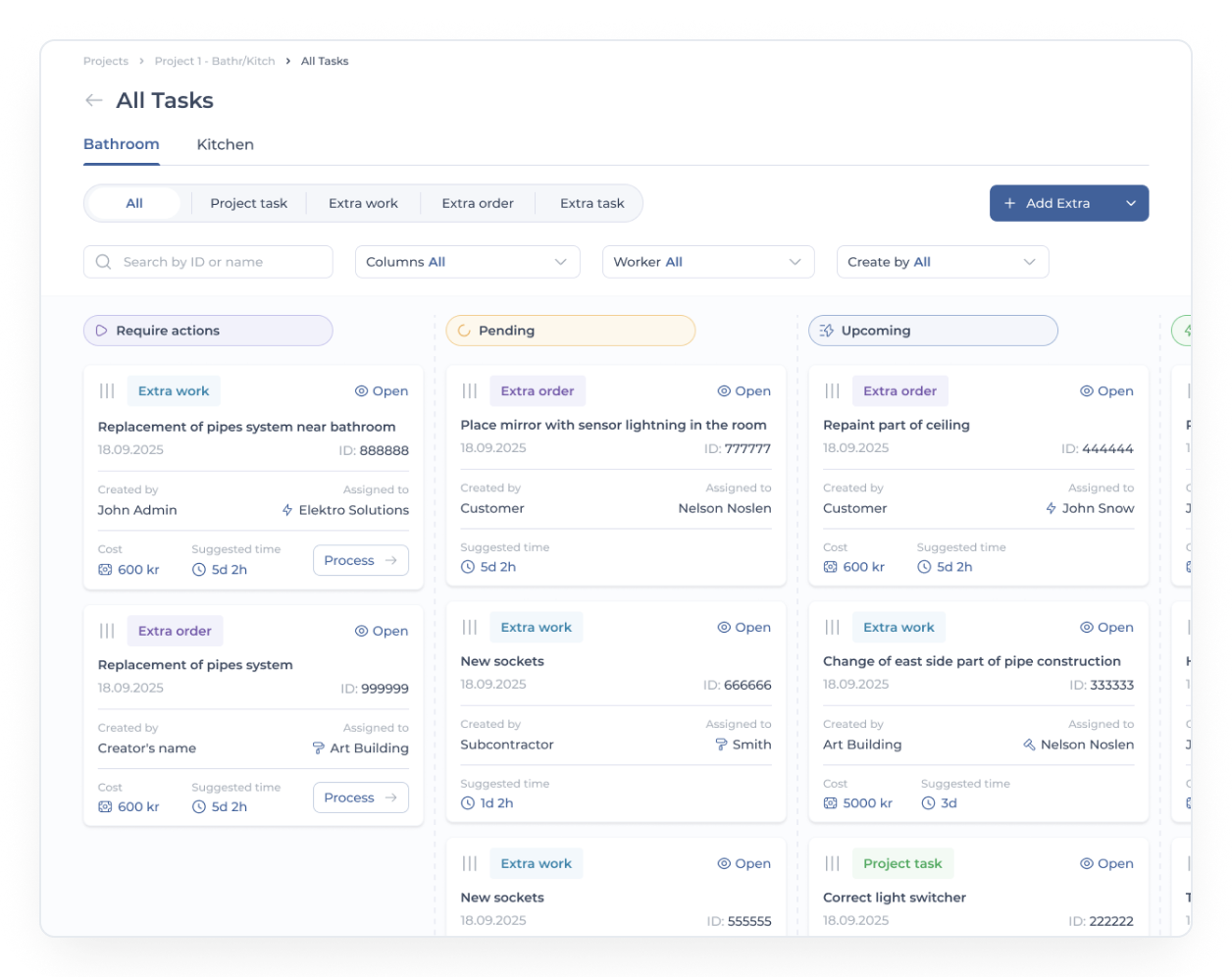
Real-Time Change Order Tracking
- Track every change order in real time
- Status updates: pending / approved / rejected
- Shared visibility across field and office teams
- Instant updates from any device
We’ve seen teams cut tracking time by 60% once they move away from spreadsheets. No more guessing what’s approved and what’s stuck.
Automated Notifications & Alerts
- Instant alerts when a change is created
- Notifications for pending approvals
- Automated suggestions for issues
- Reduced reliance on email chains
Use case:
A contractor logs a material shortage. The system flags it instantly, suggests an alternative, and notifies the project manager. Approval happens within hours, not days.

Centralized Change Order Management
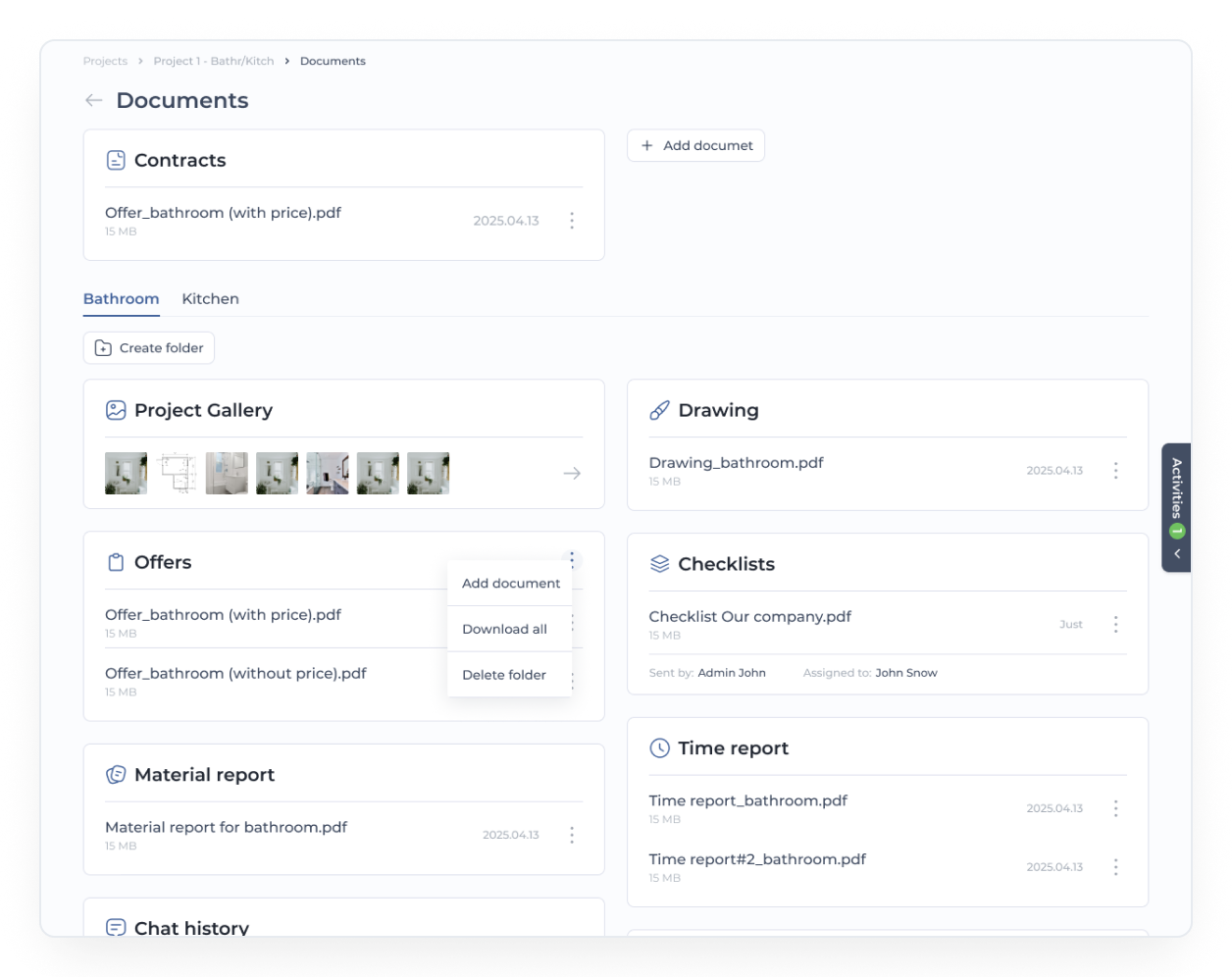
- Full history of every change
- Document storage (drawings, approvals)
- Multi-project visibility
- Audit-ready logs
Everything sits in one system.

Budget Tracking & Cost Impact Analysis
| Scenario | Before Change | After Change |
|---|---|---|
| Material Cost | $120,000 | $145,000 |
| Labor Cost | $80,000 | $92,000 |
| Total Budget | $200,000 | $237,000 |
Every change updates financial data automatically. Minimize cost overruns with early visibility into potential financial impacts.
We’ve seen projects reduce unexpected costs by up to 25% with real-time budget tracking.
Approval Workflow Automation
Create change order (field or office)
Assign stakeholders (PM, contractor, client)
Notify all parties automatically
Review and approve digitally
Log decision with timestamp
Create change order (field or office)
Assign stakeholders (PM, contractor, client)
Notify all parties automatically
Review and approve digitally
Log decision with timestamp
This cuts approval cycles from days to hours.
Benefits of Automating Change Order Process in Construction
Reduced Project Delays
- Faster approvals
- Less waiting between teams
- Fewer schedule disruptions
- Audit-ready logs
Projects move without constant pauses.
Increased Accountability & Transparency
Teams gain full visibility into cost changes.
- Full audit trail of every change
- Track who created, reviewed, approved
- Timestamped records
No confusion. No finger-pointing.
Enhanced Communication Across Teams
- One shared platform for all stakeholders
- No lost emails or miscommunication
- Clear updates for every change
Field and office finally stay aligned.
Improved Cost Control
Teams gain full visibility into cost changes.
- Real-time budget updates
- Accurate financial forecasting
- Reduced cost overruns
According to our data, companies improve budget accuracy by 20–30% after switching to automated systems.
Faster Decision-Making
Teams can act on real-time data, not outdated reports.
- Instant access to change order data
- Faster approvals
- Better project decisions
Decisions that used to take days now happen the same day.
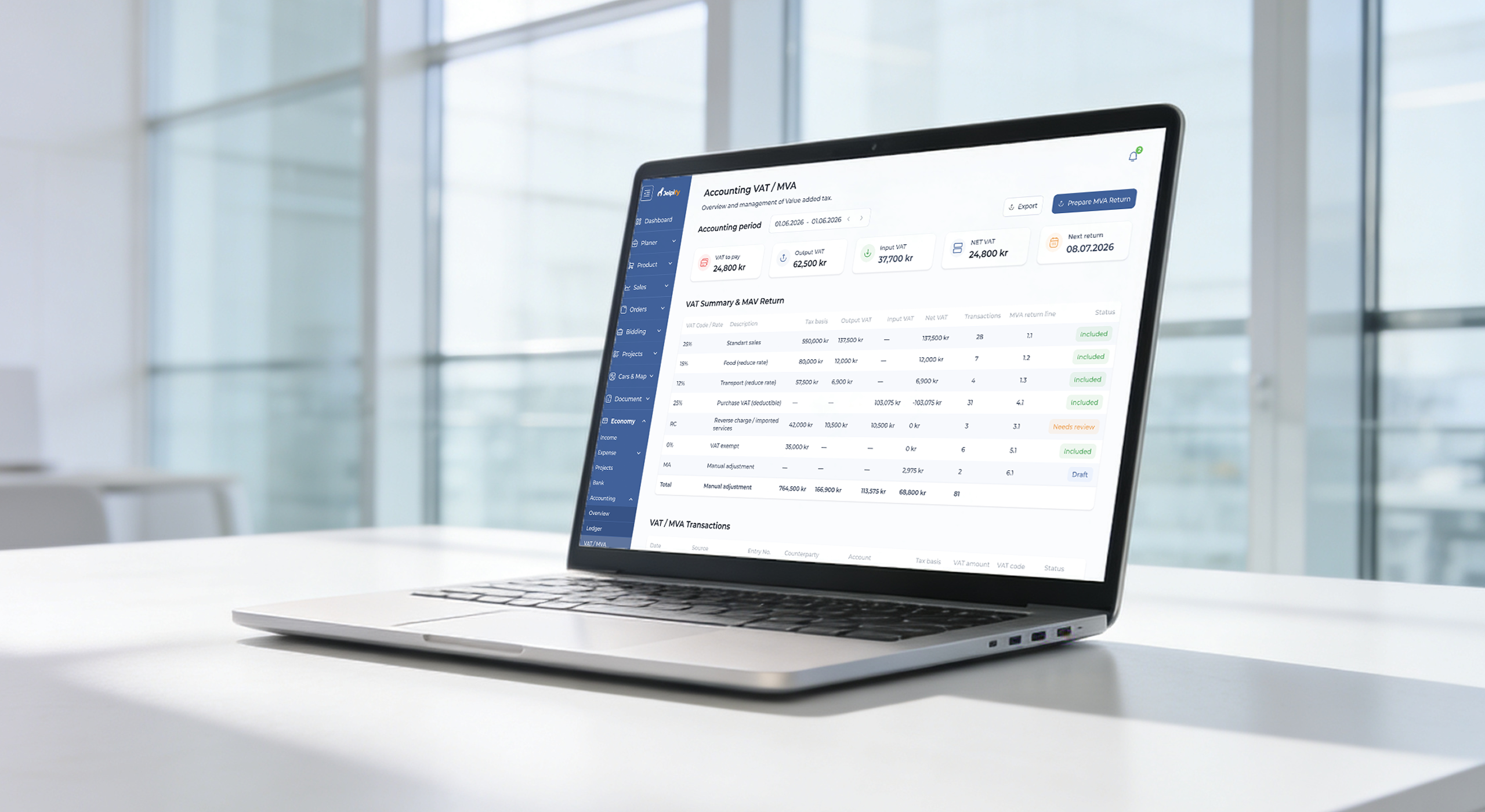
Change Order Software Integration With Accounting System
- Sync with Jelpify’s accounting system
- Automatic budget and cost updates
- Generate invoices based on approved changes
- Real-time financial reporting
Example:
A change order gets approved. The system updates the budget, syncs with accounting, and creates an invoice automatically. No manual entry.

Purpose-Built for All Stakeholders
For Subcontractors
- Submit and track change orders quickly
- Get faster approvals
- Reduce payment delays
For Small General Contractors
- Manage multiple projects without chaos
- Track costs without spreadsheets
- Stay in control of approvals
For Project Managers
- Full visibility across all change orders
- Better control over schedule and budget
- Data-driven decision-making
How to Implement Change Order Management
Assess Current Workflow
Identify bottlenecks, delays, and risks in your current process.
Choose the Right Software
Look for scalability, ease of use, and construction-specific features.
Integrate With Jelpify
Connect with existing systems and other tools.
Train Your Team
Onboard field and office teams. Keep it simple.
Monitor & Optimize
Track KPIs. Improve workflows over time.
Teams that follow this approach usually see adoption within weeks.
Why Choose Jelpify for Change Order Management
- Built specifically for the construction industry
- Real-time change order tracking and approval
- Seamless integration with accounting and ERP systems
- Automated workflows that reduce manual work
- Clear ROI: up to 3x faster approvals, 25% fewer cost overruns
Use case:
A commercial construction company switched from spreadsheets to Jelpify. They reduced approval time from 3 days to 6 hours and improved communication across 4 teams.
We designed Jelpify to remove friction from change management. You stay in control, your team moves faster, and your projects stay on track.
Frequently
Asked
Questions
Homeowners post tenders describing the work they need done, and you receive matching requests based on your trade and service area. You can review the details, submit a competitive offer, and get in touch directly with the homeowner — no cold leads, just real projects that fit what you do.
Jelpify runs on a subscription model with pricing based on your company size and the tools you need. There's no cost to browse available tenders — you only commit once you decide to submit an offer on a project.
Once a job is agreed and signed digitally, you can send invoices and track payments directly through the platform. This keeps your project economy organized in one place, without chasing paperwork or manual reconciliation.
Every professional signs in using trusted identification methods such as BankID, and is connected to an officially registered company. This keeps the platform accountable and gives homeowners confidence in who they're hiring.
Yes. Your dashboard lets you track schedules, assign subcontractors, manage documentation, and monitor several active projects at once, so nothing falls through the cracks as your workload grows.